Digital QR Menus for Restaurants & Cafés
Your menu, one scan away. Guests browse photos, prices, dietary tags and today's specials in their phone's browser — no app to download. Change a price and every table sees it straight away.
In every menu
- Photos & dietary tags
- Menus by time of day
- Your branding
- Guest languages
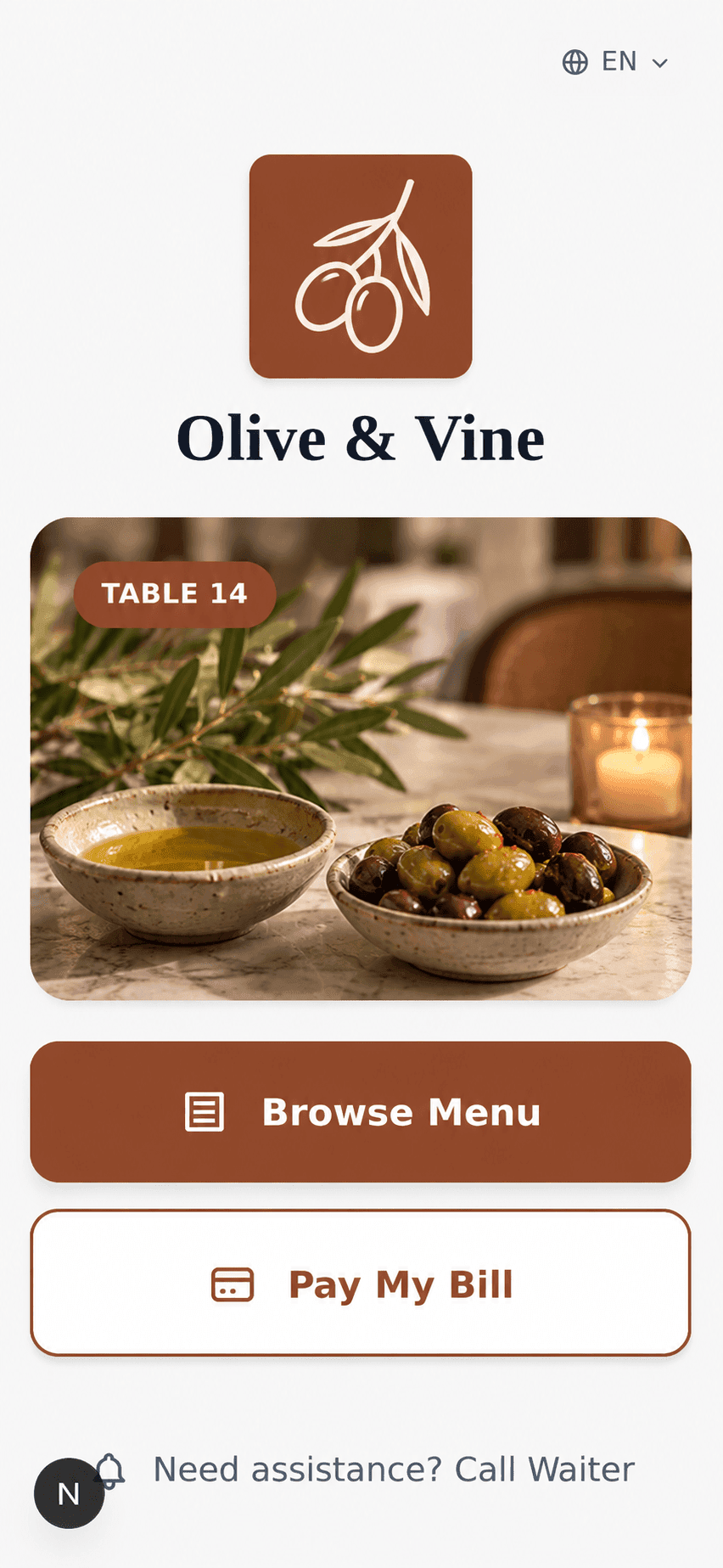
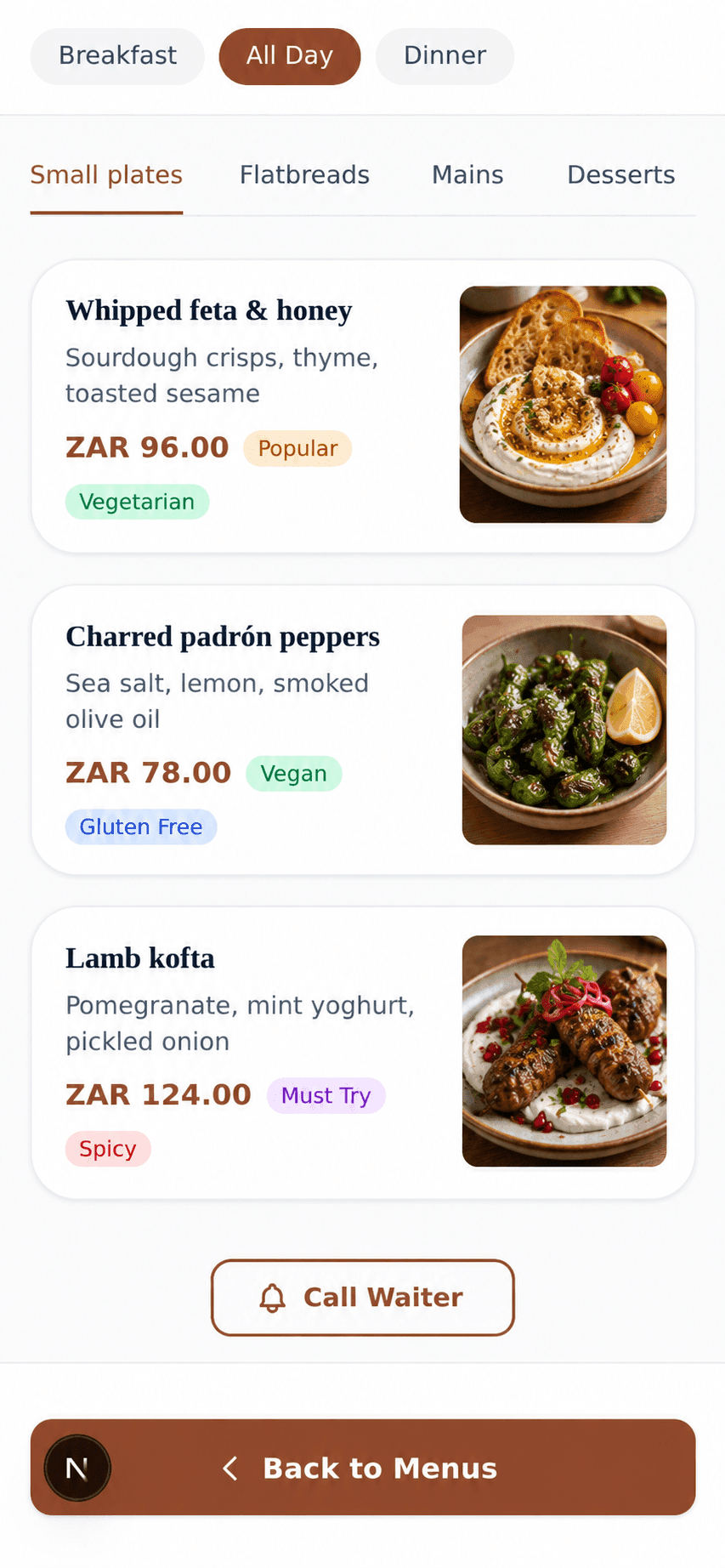
Nothing to download
The menu opens in the phone's browser the moment a guest scans. No app, no sign-up.
Change a price, not the print
Edit an item, add a special or mark a dish unavailable in the console, and every table sees it straight away — no reprinting.
Dishes that sell themselves
Photos, descriptions and tags like Vegan, Gluten free, Spicy or Popular help guests choose without asking.
The right menu at the right time
Breakfast, lunch and dinner menus switch over automatically on the schedule you set.
A menu every guest can read
Guests view your menu in their own language, with full right-to-left support for Arabic.
See what guests look at
Track scans, menu opens and your most-viewed dishes, so you know what's working.
Already have a menu? Upload photos or a PDF and we'll build the digital version for you to review.
What's included
Everything in your QR menu
QR menu
Guests scan a code at the table and see your full menu instantly — no app to download.
Multiple menus by time
Schedule breakfast, lunch, and dinner menus to switch automatically throughout the day.
Branded ordering pages
Add your logo, cover photo, and accent color so guests see your restaurant, not a generic template.
Multi-language guest menus
Guests view your menu in their own language, with full right-to-left support for Arabic.
Menu import from photos or PDFs
Upload photos or a PDF of your existing menu and we'll build the digital version for you — items, categories, and prices, ready to review.
Guest analytics
See what guests actually view — scans, menu opens, and your most-viewed dishes — so you know what's working.
Restaurant admin dashboard
Manage menus, tables, staff, and orders from one console built for restaurant teams.
Team roles & permissions
Invite staff with the right level of access, from handling orders to full admin control.
Common questions
Yes. OneMenu QR codes open the live menu, so new dishes, price changes and unavailable items show up as soon as they are saved — the QR codes never need reprinting.
Live in under 10 minutes
Add your menu, print your QR codes and have guests browsing it today.
No credit card required · Setup in under 10 minutes