

Braai Bros
Cape TownTakeaway ordering with names called out at the weekend market.
Open the live demo (opens in a new tab)Scan to open on your phone
We use cookies to understand how visitors use this site. You can accept or decline analytics cookies.
Customers scan the code on your truck, order while they wait, and hear their name when it's ready. Your menu and hours follow you from market to market.
No credit card required•See a live example ↓
What you get
Customers scan the QR code on your hatch and order while they queue, so your window is free for handing food out.
Every takeaway order carries a name, so you can shout it when it's ready.
Customers see their order move to ready, so they can wander off and come back on time.
Regulars send an order from your menu to your WhatsApp. It lands on your board waiting for your OK.
Ran out of patties? One tap hides it. Or set how many you sell a day, and orders stop at the limit.
Set your trading hours by day, so your menu shows you're open exactly when you're parked up.
Guest ordering and live order status are switched on when you're ready. Paying by card in the app is coming soon.
See it live
These are demo businesses running on OneMenu. Open one on your phone and browse it exactly as a customer would.
Takeaway ordering with names called out at the weekend market.


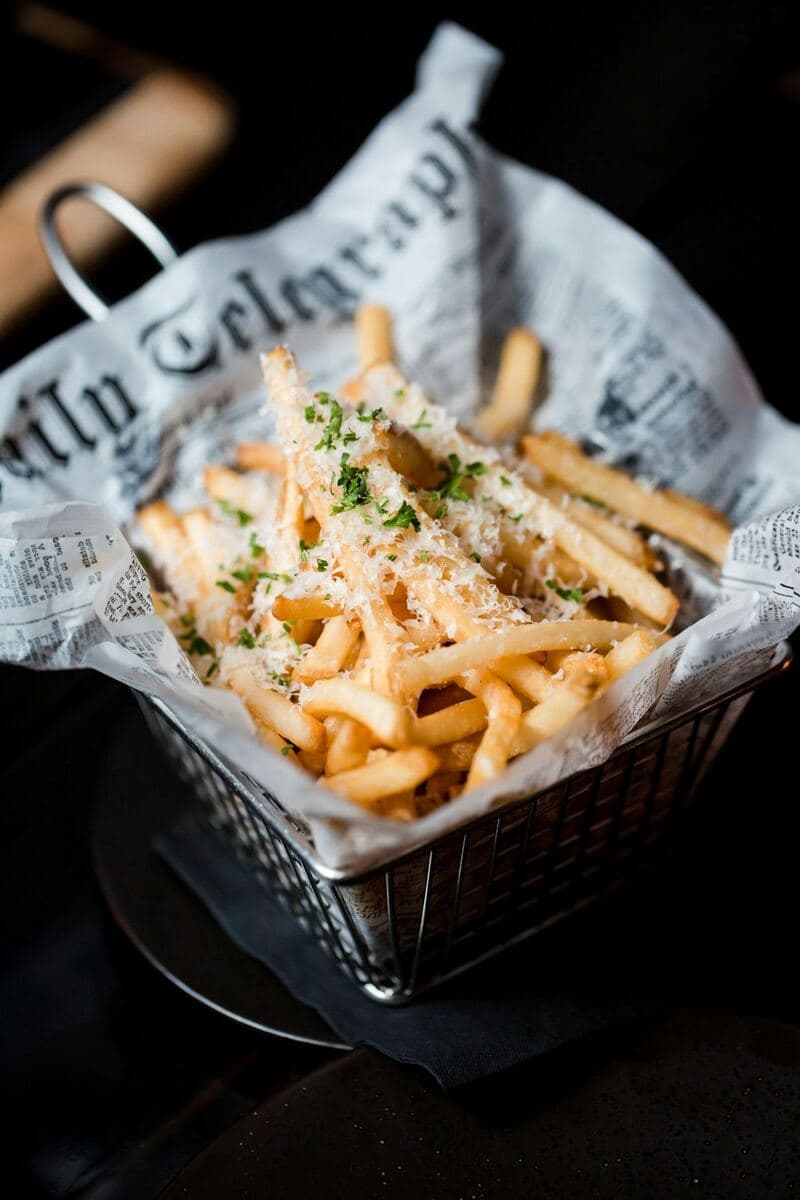
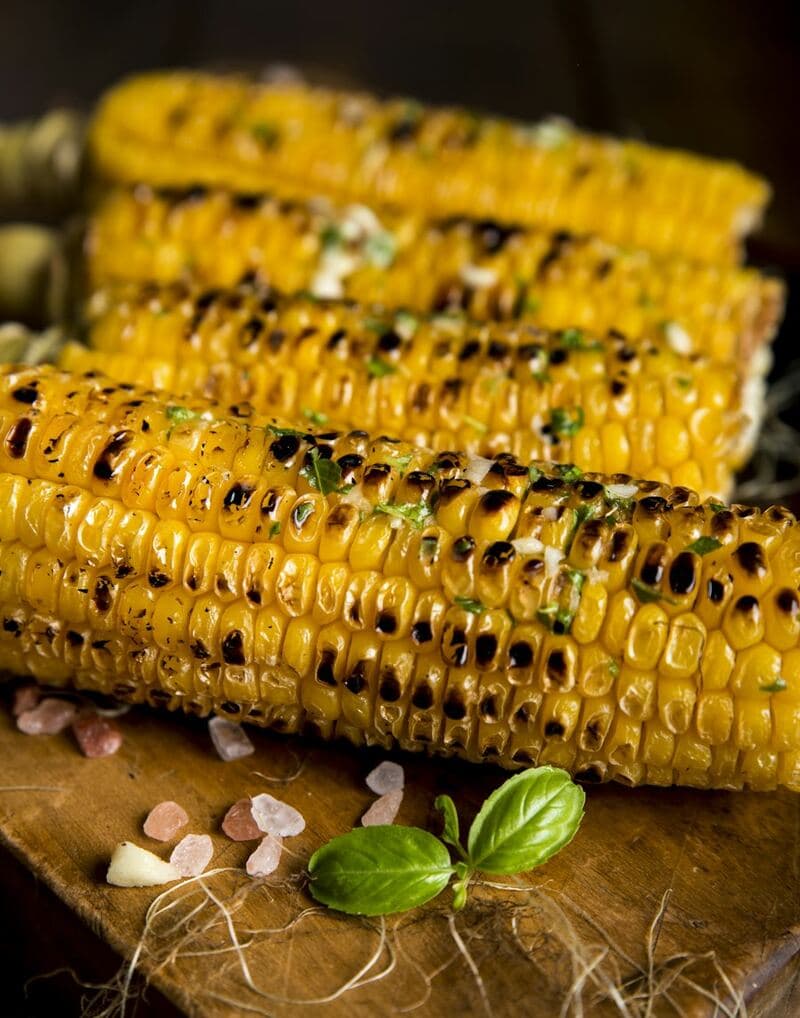
Demo businesses are made up, so nothing you order or book is real.
Get started
Type it in, or upload a photo or PDF of the one you already have and AI drafts it for you to check.
Add your logo, colours and photos, then pick the layout and font that suit your brand.
Print the QR code for your counter, mirror or door, and put the link in your Instagram bio and WhatsApp status.
Yes. OneMenu lets a food truck set its trading hours per day of the week and schedule menus to match, and change both at any time from a phone.