How It Works
From sign-up to served
Five steps from signing up to taking your first order: add your menu, print your QR codes, and customers order from their phone.
- 1
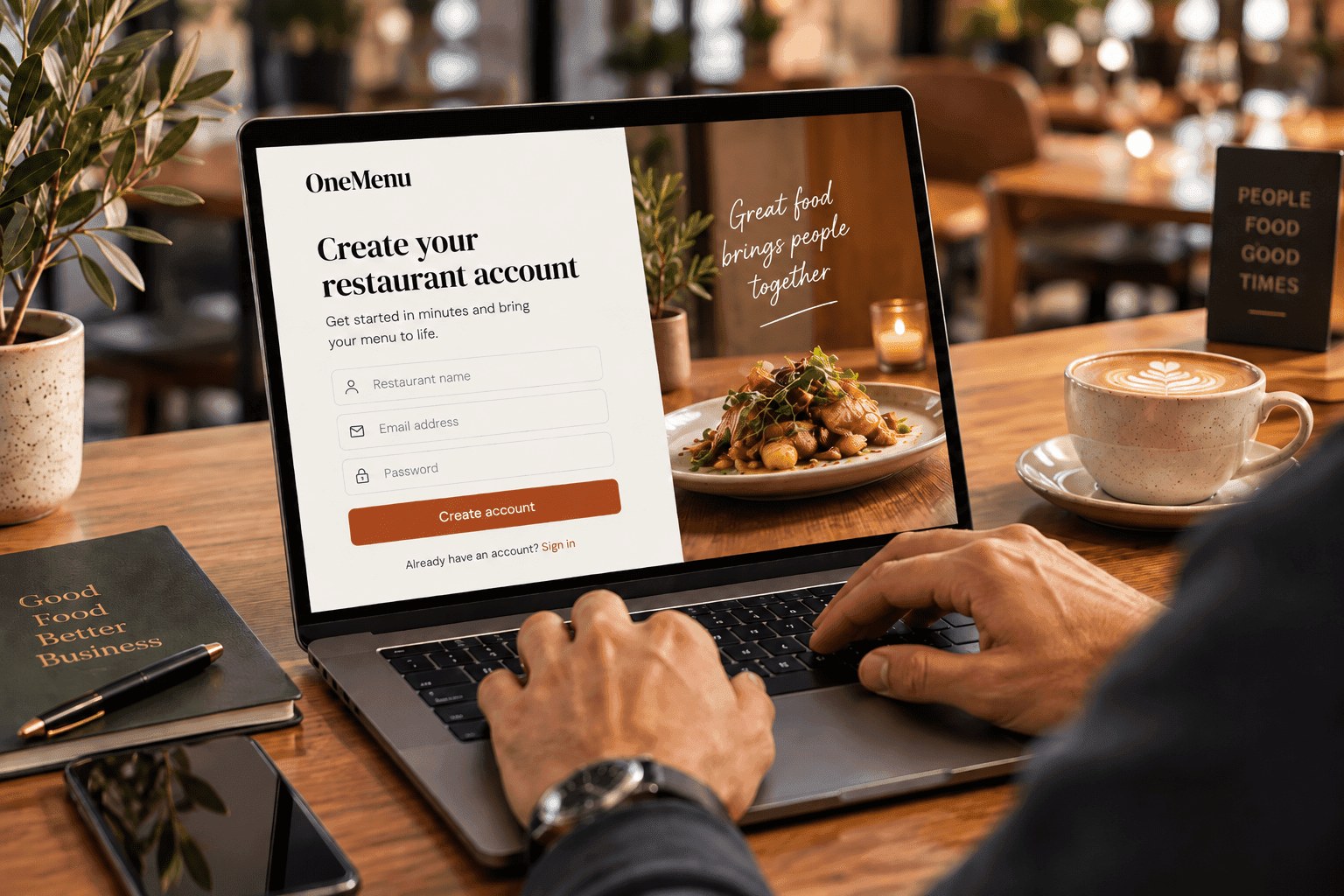
Step 1
Restaurant signs up
Create your account and tell us about your restaurant.
- 2
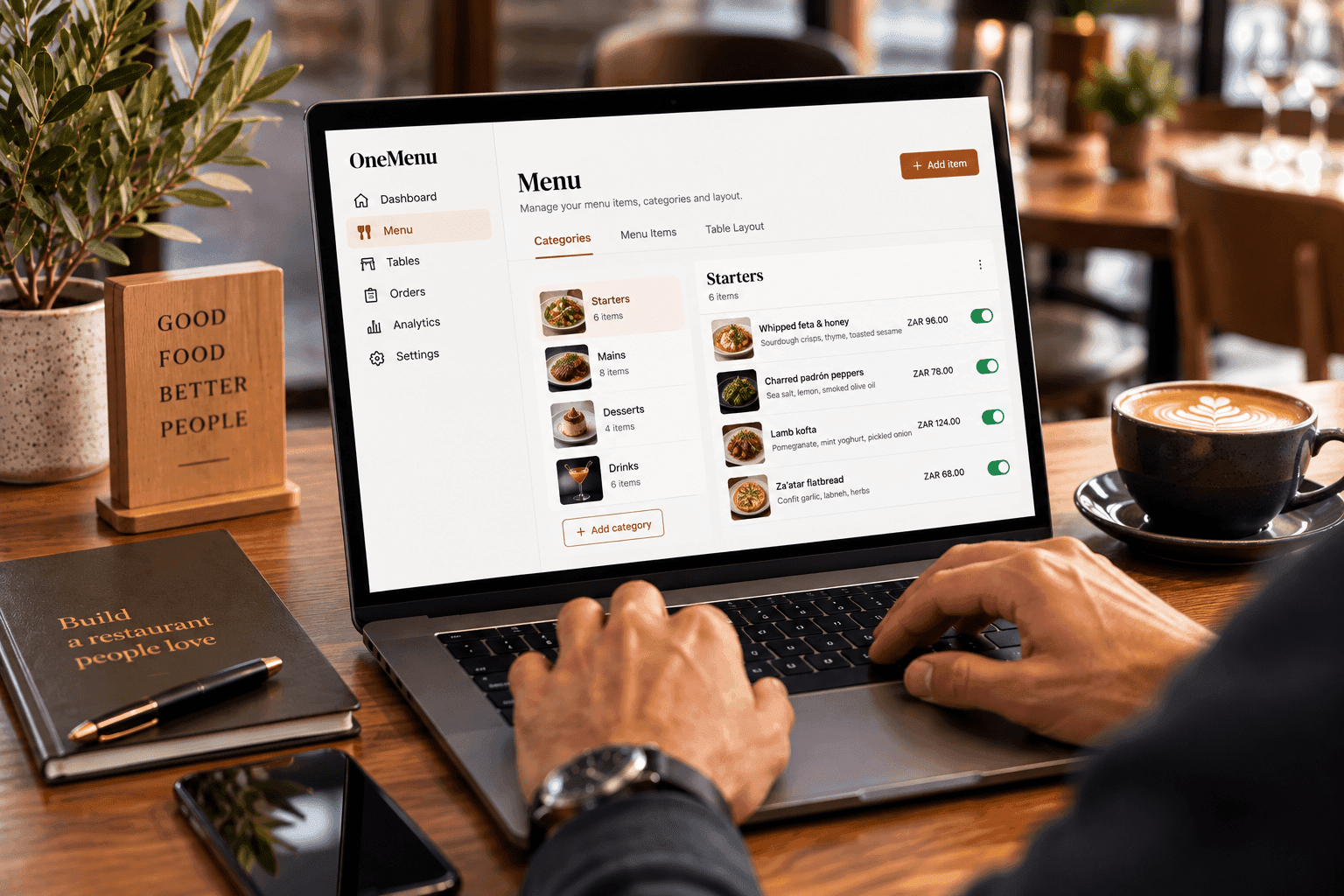
Step 2
Menu and tables are configured
Add your menu items, categories, and table layout.
- 3
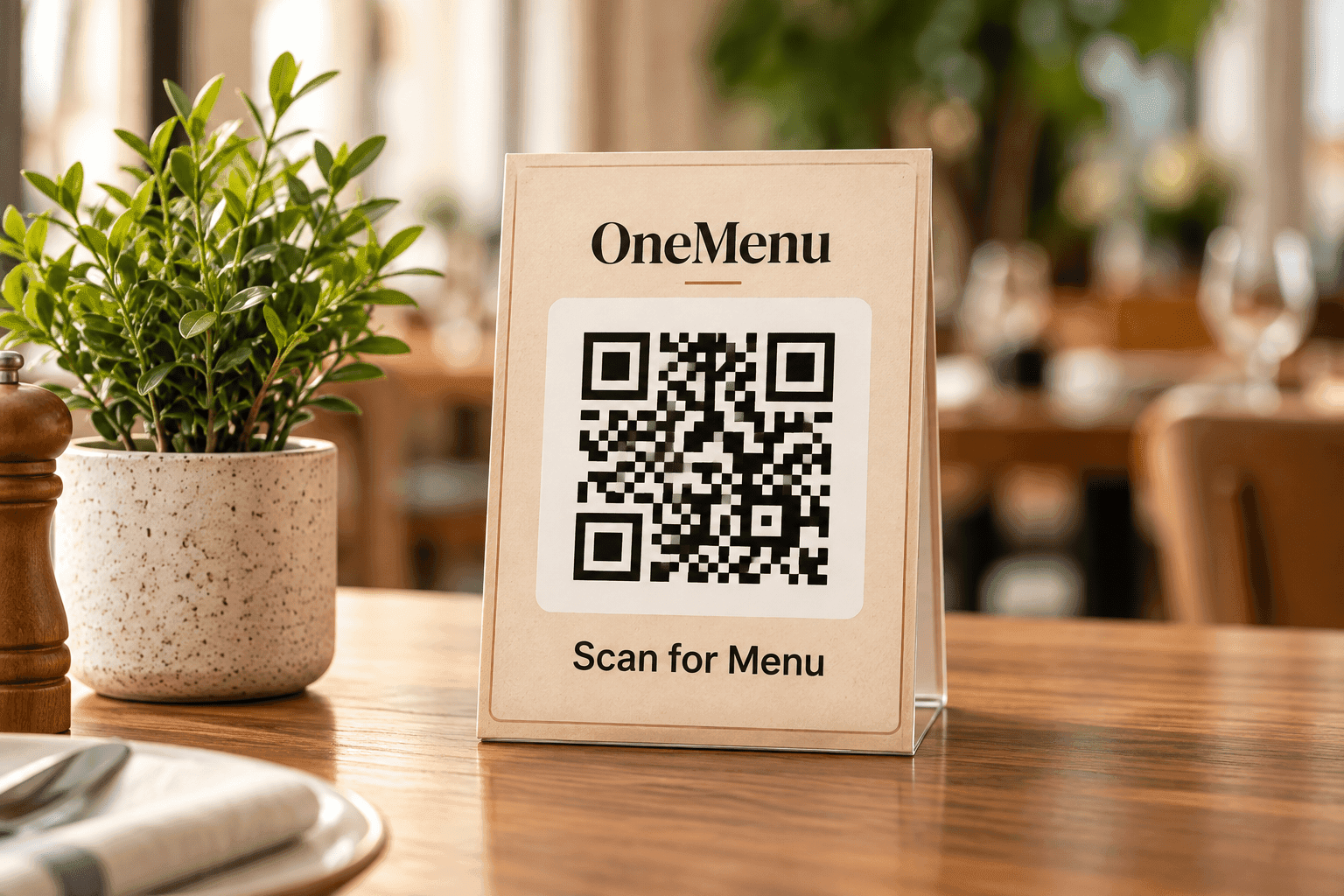
Step 3
QR codes are generated
Print and place a unique QR code on every table.
- 4
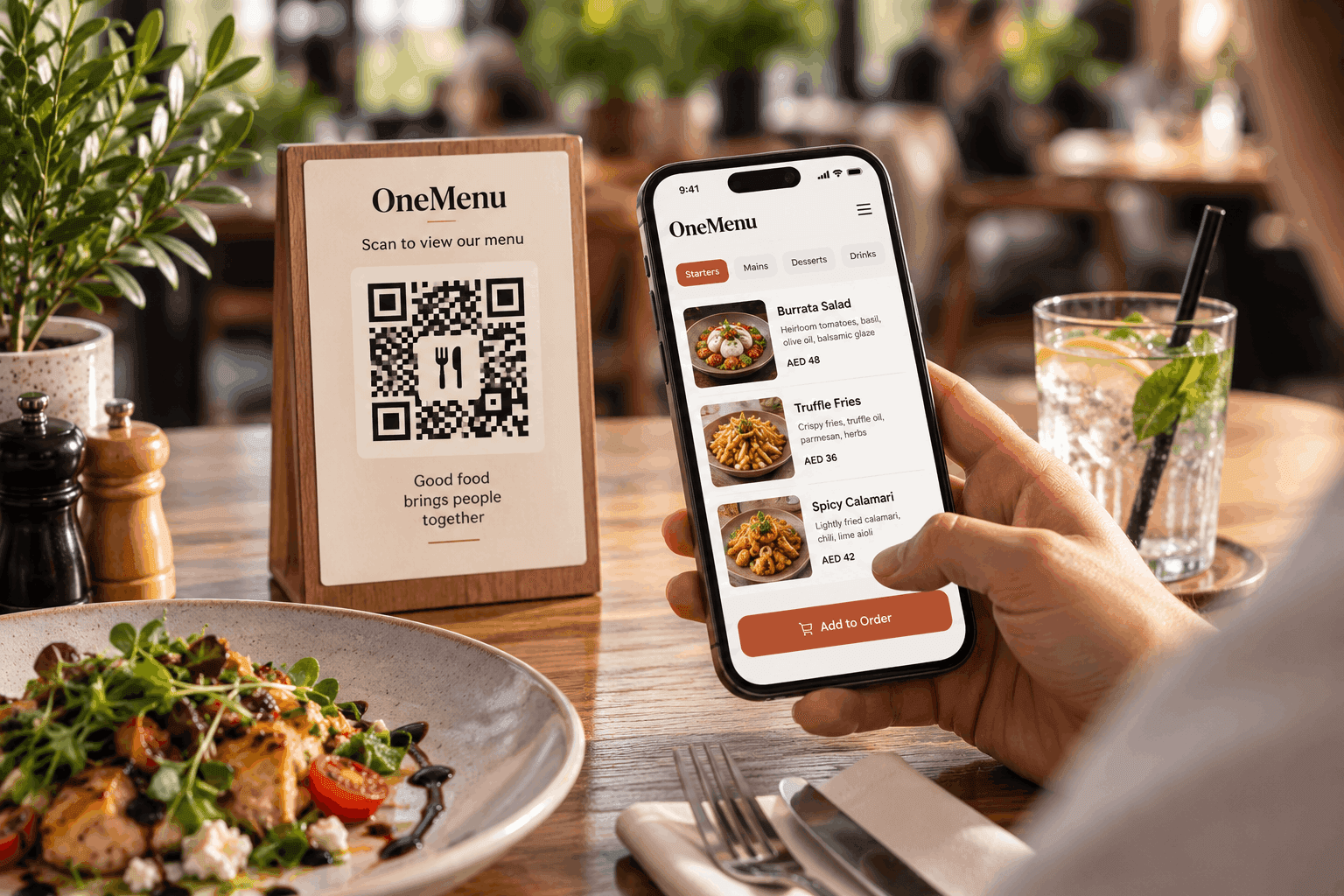
Step 4
Guests scan, browse, and order
Guests send orders from their phone — or staff take them — and every order lands on your live board.
- 5
Step 5
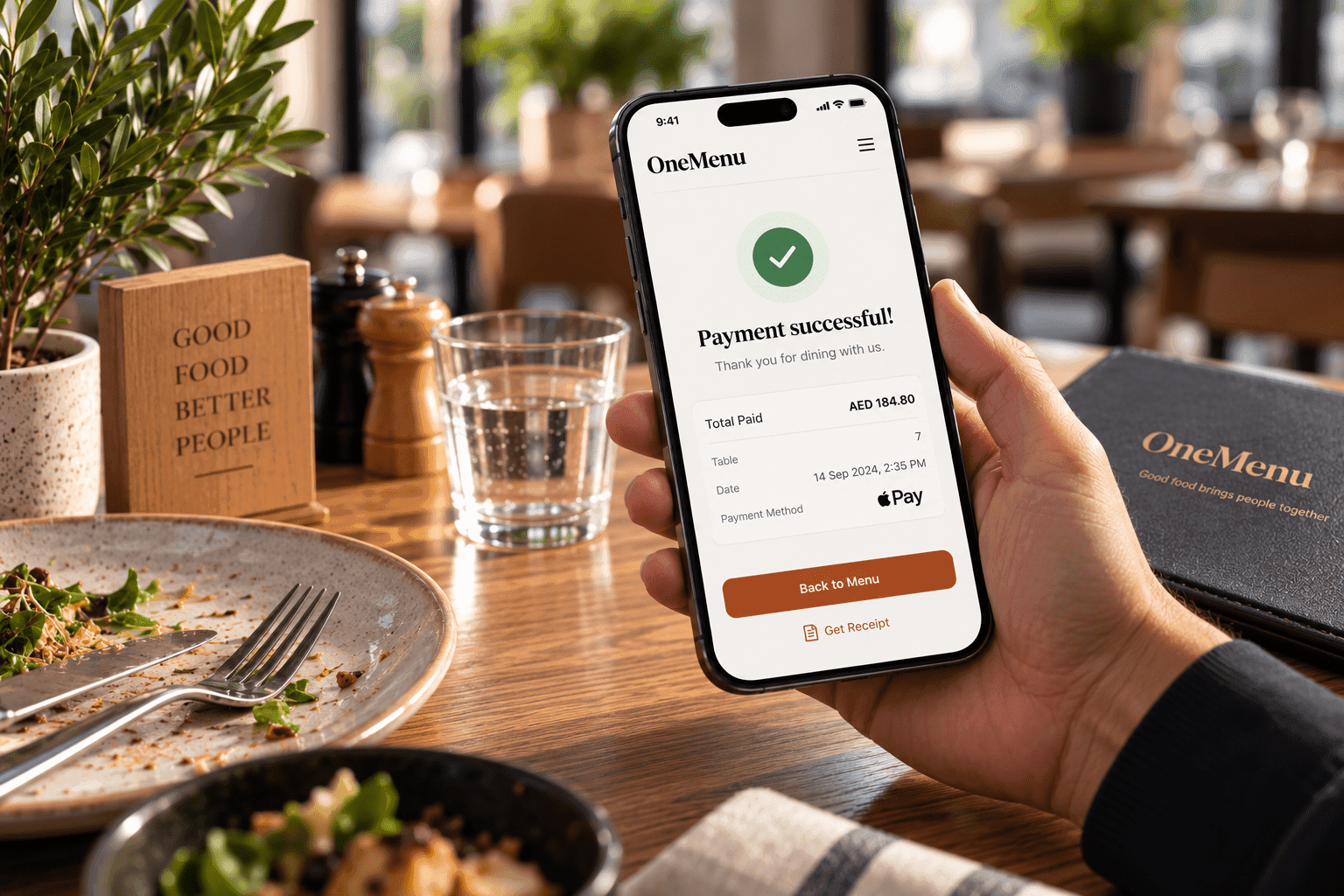
Guests get their bill
An itemized bill is ready on their phone the moment they ask — in-app payment is coming soon.
Questions about getting started
Most businesses have their OneMenu QR menu live in under 10 minutes: sign up, add the menu or price list, and print the QR codes. Photos and details can be added afterwards.